AI Tutor for Learning Tasks
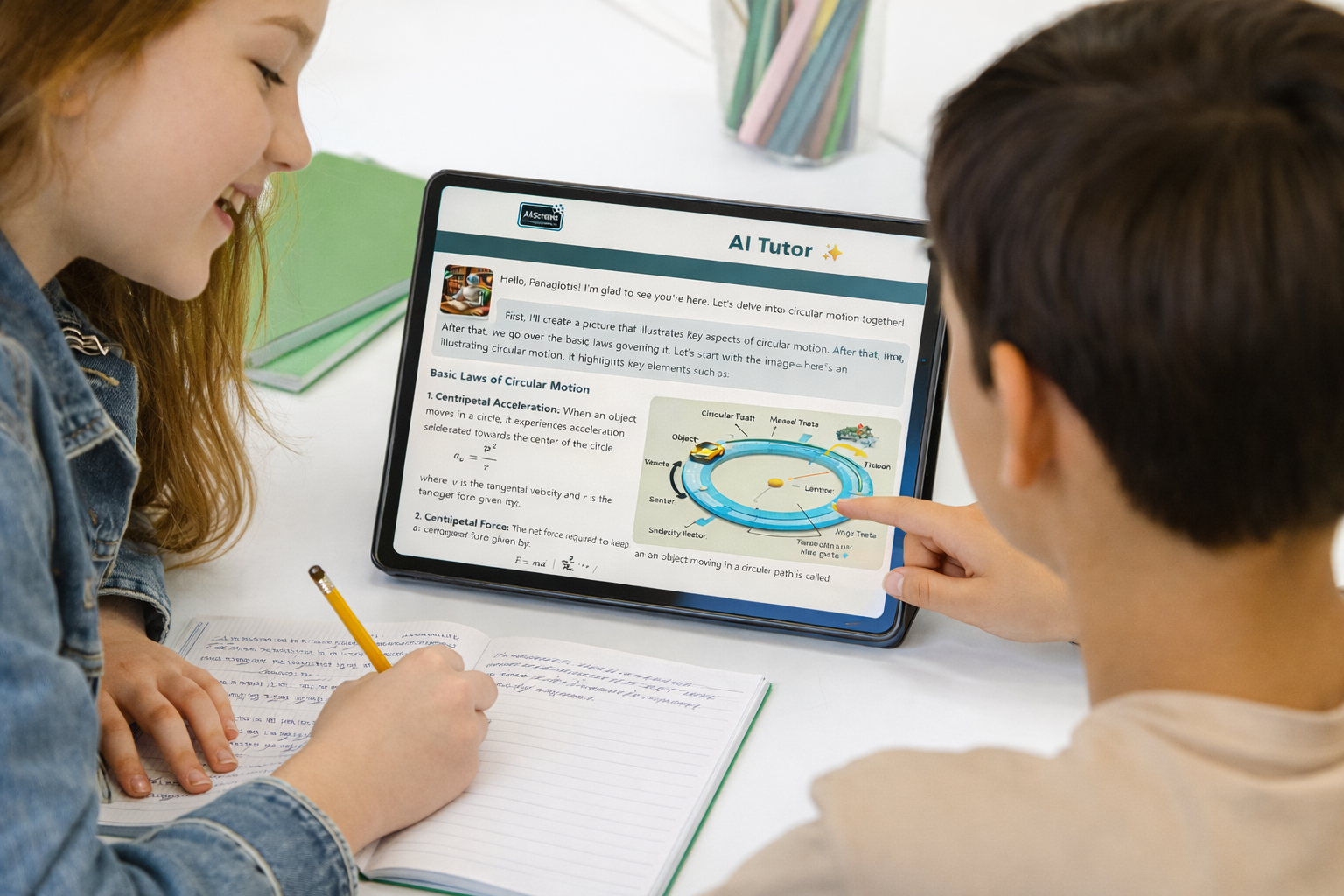
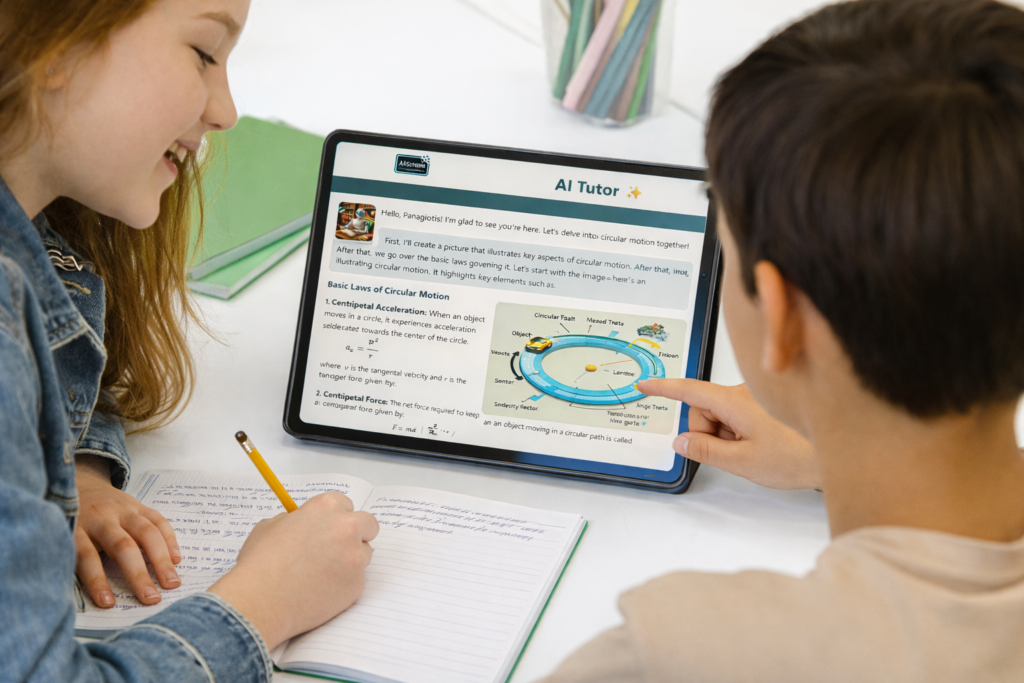
Support students as they work through tasks and homework. AI Tutor guides thinking step by step, encourages reasoning, and helps learners build understanding across subjects and grade levels.
Teachers: Support student learning with guided prompts that align with classroom goals and assignments.
Students: Ask questions, explore perspectives, and learn through conversation with historical figures.
School Leaders: Support humanities teaching with age-aware, curriculum-aligned AI across grade levels.
IT and Administrators: Enable safe classroom use with controlled content, age adaptation, and school-ready deployment.
WHO IT’S FOR
Guided support that strengthens student thinking
AI Tutor supports learners as they engage with tasks, assignments, and practice activities. It encourages reasoning, reflection, and problem-solving while keeping learning aligned with teacher intent. Schools gain a structured way to support student work during lessons and beyond the classroom.