Whole-class use on Smartboard
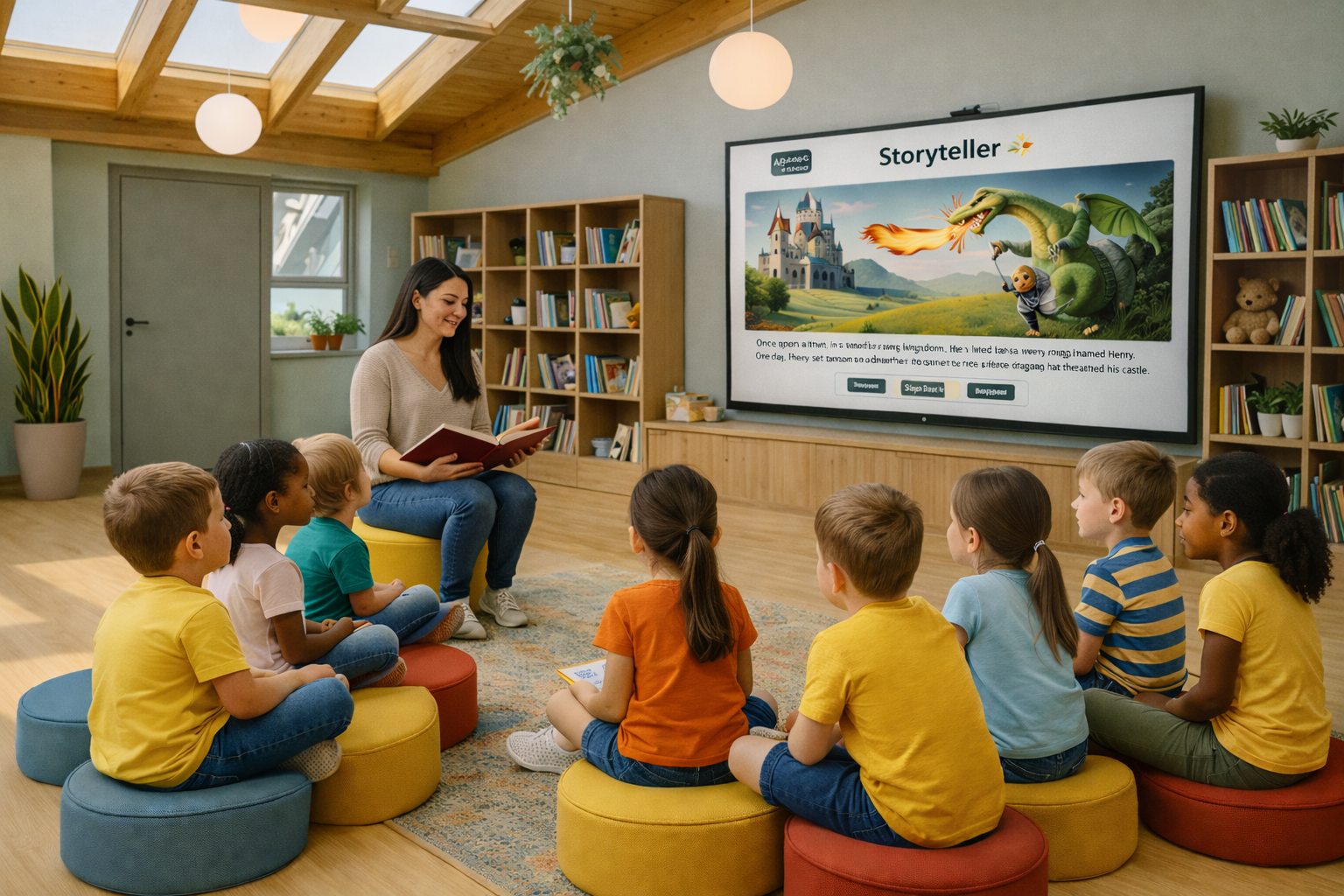
Teach Together, Live on the Big Screen
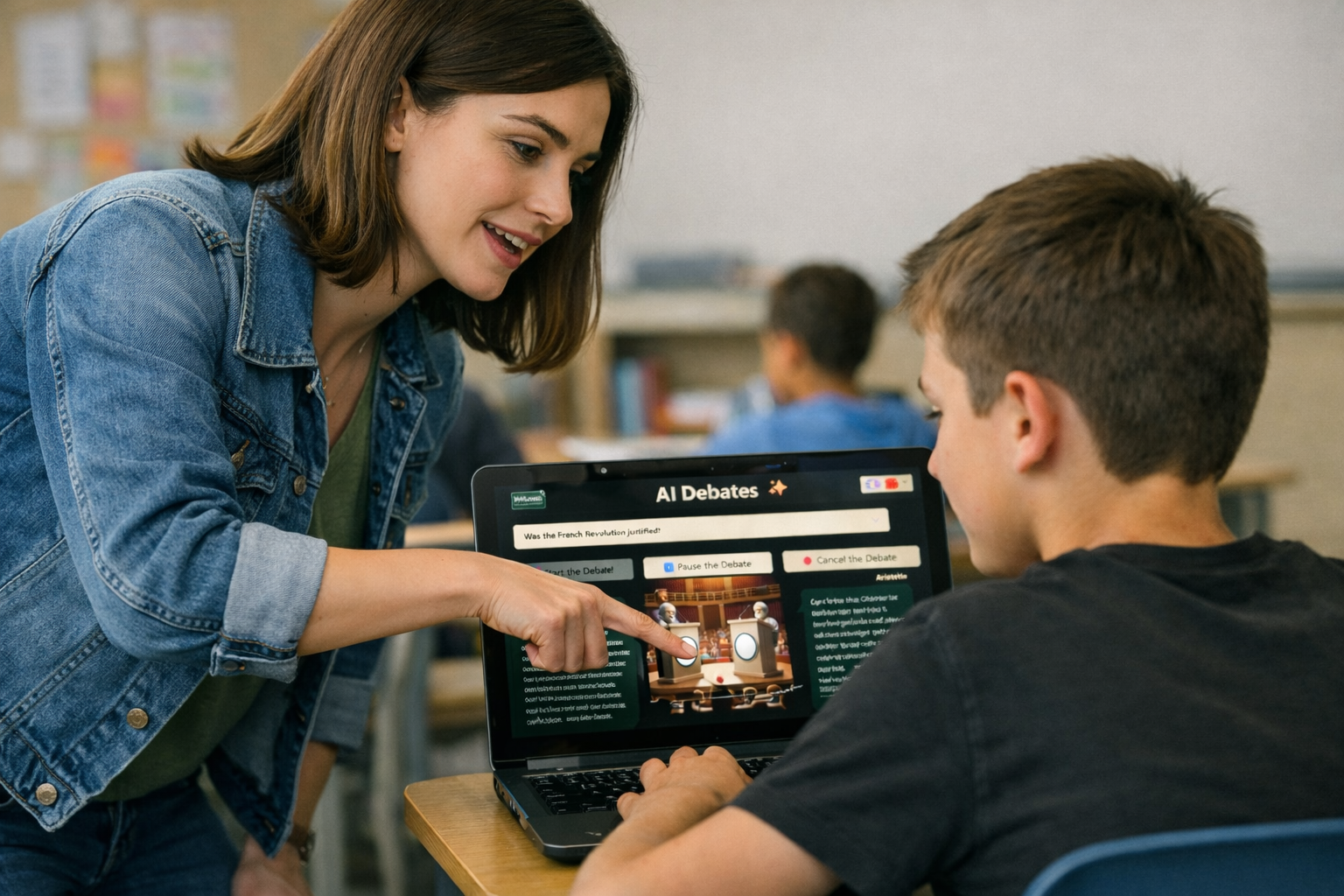
Run AI4Schools on a smartboard or smart screen and guide the entire class as one learning team. Use apps as a group, compare responses, and turn AI outputs into discussion, debate, and reflection—while you remain the facilitator and final decision-maker.
Student devices for assignments
Assign, Engage, and Differentiate
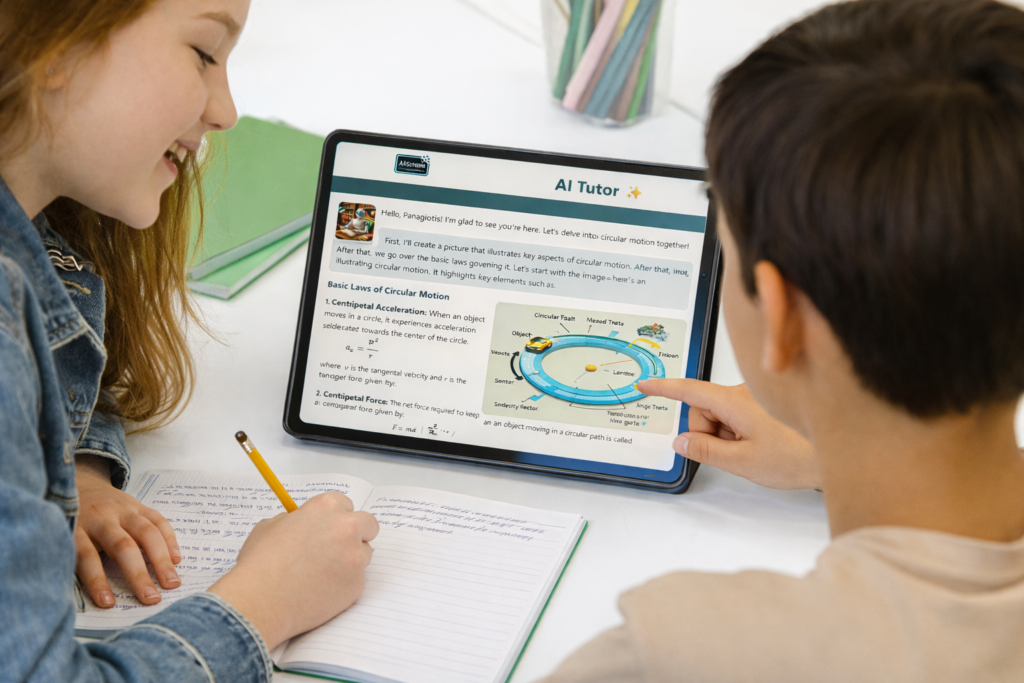
Send an activity to students and let them work on their own devices at their pace. Students interact with the AI tools to brainstorm, practice, and refine—while you set the rules of the task and the expected outcome.
Integration into Lesson Plans
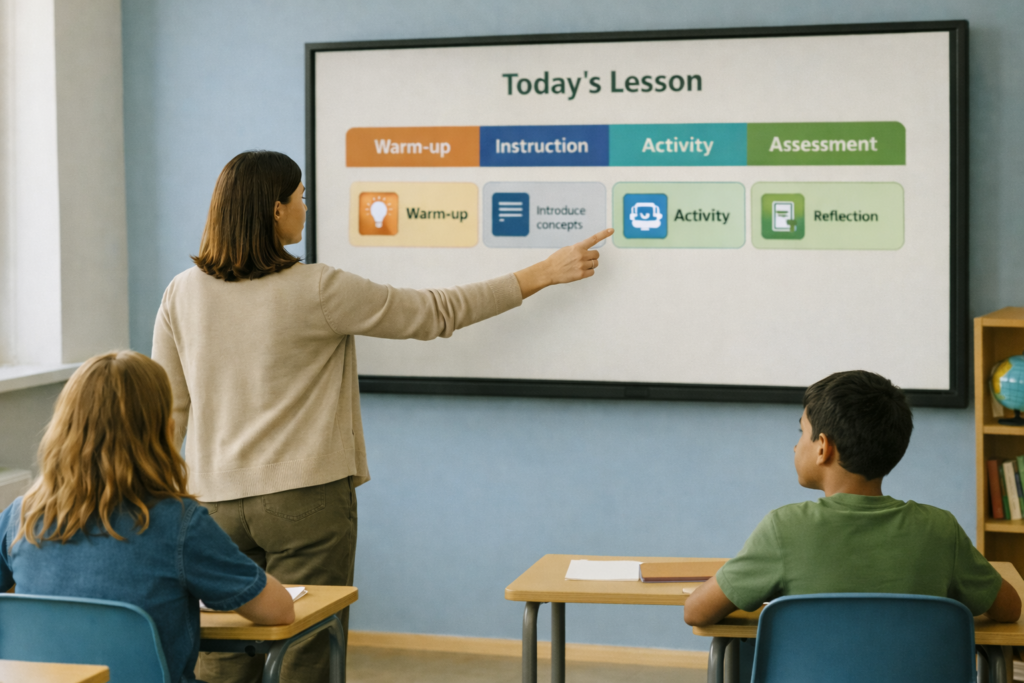
Built to Fit Your Lesson Plan
Use AI4Schools as the core learning experience (e.g., a debate or guided inquiry) or as an extension activity (warm-up, practice, enrichment, reflection). Apps slot naturally into any teaching sequence without forcing a new pedagogy—just amplifying what you already do.
Teacher Console
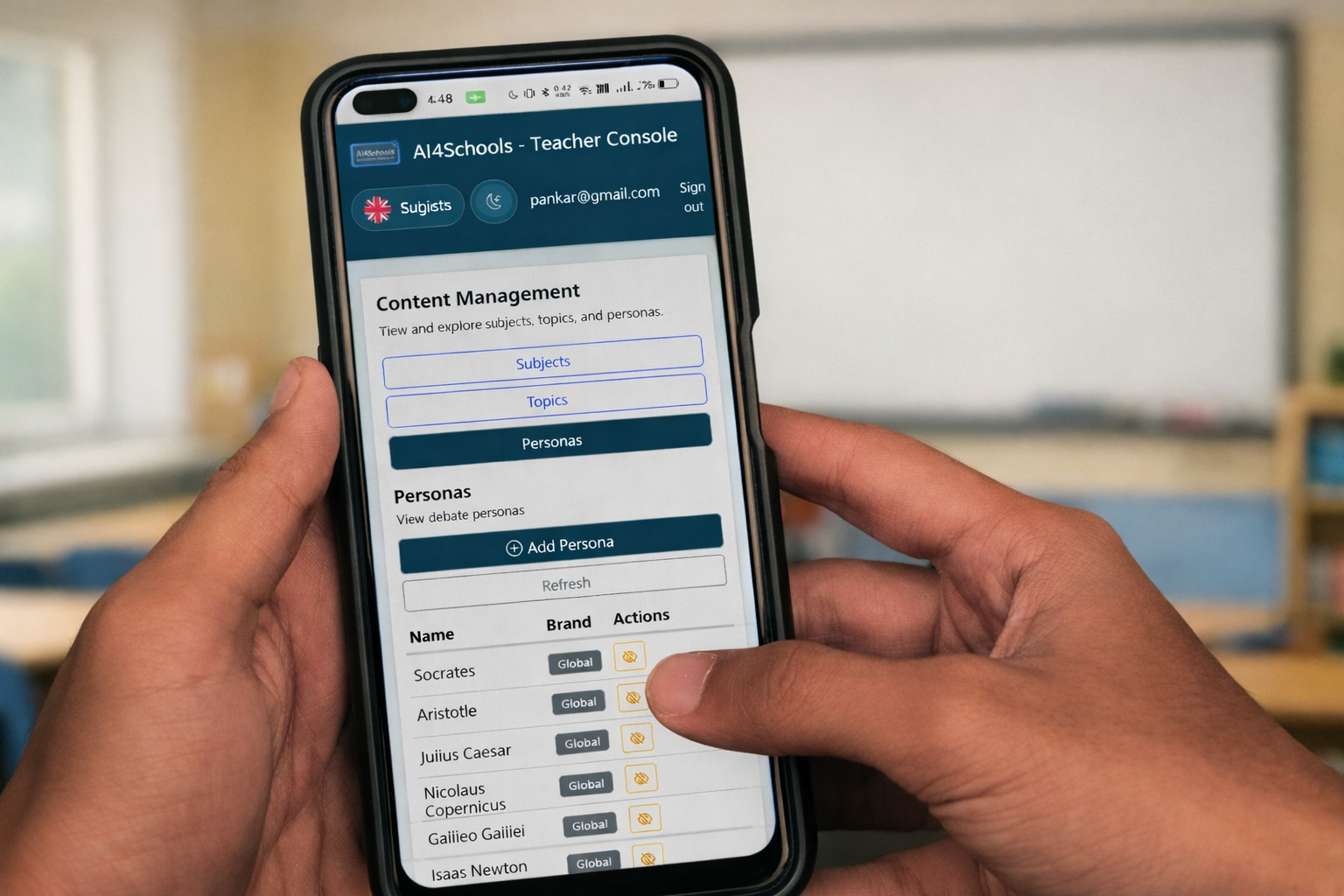
Plan, Assign, and Track from One Console
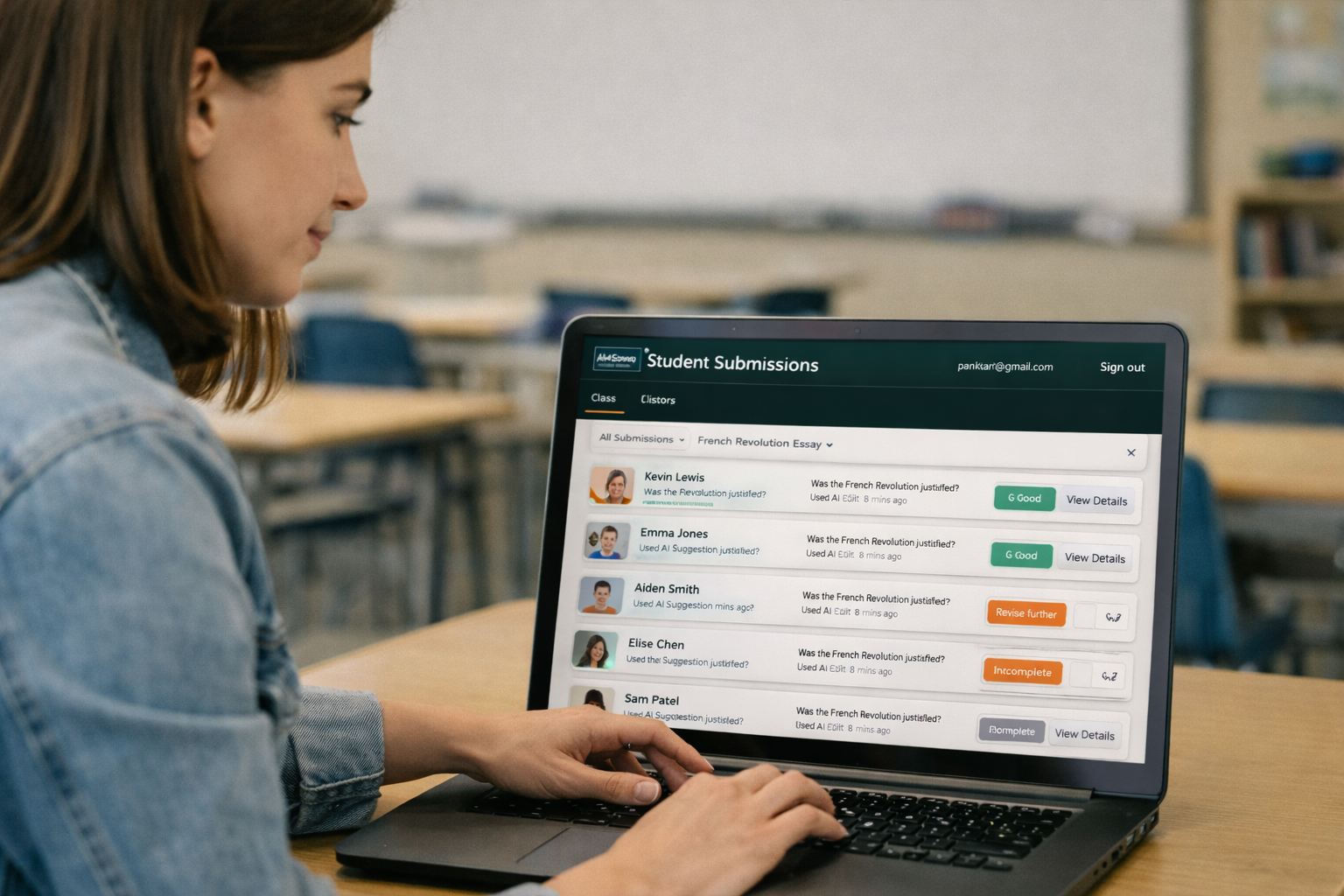
Use the Teacher Console to prepare app-based homework, set clear instructions, and keep classroom workflows organized. Create consistent routines and maintain oversight—so AI becomes a structured learning tool, not a distraction.
Smooth curriculum integration
Smooth curriculum integration
AI4Schools supports responsible, curriculum-aligned AI use: the teacher defines objectives, boundaries, and expectations, while students learn how to use AI productively—asking better questions, checking results, improving their work, and reflecting on learning.
Evidence, feedback, and skill growth
Turn AI Use into Measurable Learning
AI4Schools helps students move beyond “getting an answer” to building skills you can observe and assess. Use structured prompts and clear success criteria so students practice reasoning, writing, and reflection—and produce work that supports feedback, iteration, and growth over time.